OpenCode
Privatemode can be used as a model provider in OpenCode, an open-source agentic AI coding tool. This document explains how to set up OpenCode to use Privatemode.
Setting up the Privatemode proxy
Follow the quickstart guide to run the Privatemode proxy. Usually, it's advisable to enable prompt caching via --sharedPromptCache.
Configuring OpenCode
Create or edit the opencode.json in your project directory (or globally at ~/.config/opencode/opencode.json) to add Privatemode as a custom provider:
{
  "$schema": "https://opencode.ai/config.json",
  "provider": {
    "privatemode": {
      "npm": "@ai-sdk/openai-compatible",
      "name": "Privatemode",
      "options": {
        "baseURL": "http://localhost:8080/v1"
      },
      "models": {
        "gpt-oss-120b": {
          "name": "gpt-oss-120b"
        }
      }
    }
  },
  "model": "privatemode/gpt-oss-120b"
}
Starting OpenCode with Privatemode
Once the configuration is in place, start OpenCode:
opencode
You can also select the model explicitly:
opencode --model privatemode/gpt-oss-120b
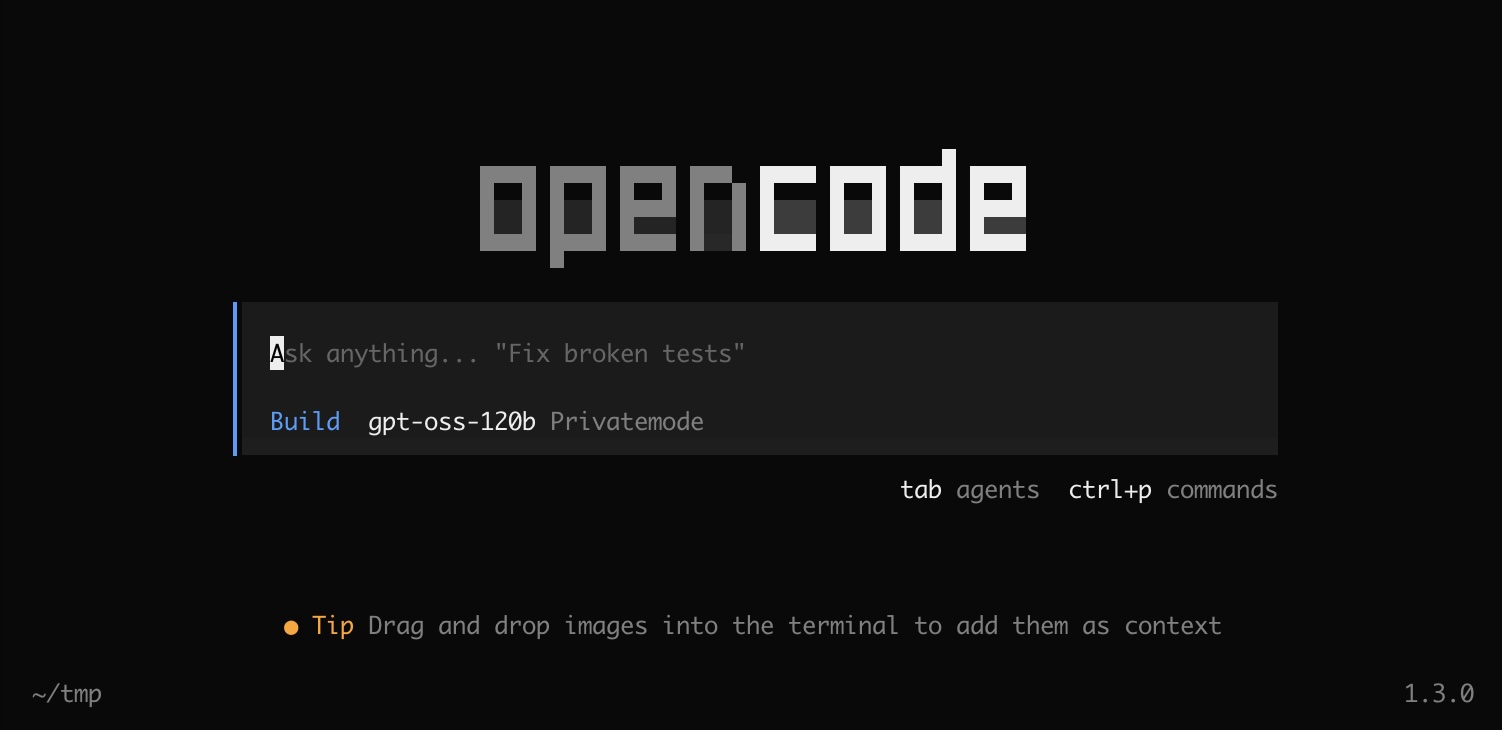
You will be greeted with a screen like the following. You are now ready to "vibe code" confidentially 🥳