Claude Code
Privatemode can serve as model provider in Anthropic's agentic AI coding tool Claude Code. Simply follow the steps below.
Setting up the Privatemode proxy
Follow the quickstart guide to run the Privatemode proxy. Usually, it's advisable to enable prompt caching via --sharedPromptCache.
Configuring Claude Code
Set the following environment variables to point Claude Code at Privatemode:
export ANTHROPIC_BASE_URL="http://localhost:8080"
export ANTHROPIC_API_KEY="sk-privatemode"
The API key can be set to any non-empty value since the Privatemode proxy handles authentication.
Additionally, add the following to your ~/.claude/settings.json to disable the attribution header, which would otherwise invalidate the KV cache and significantly reduce inference performance:
{
  "env": {
    "CLAUDE_CODE_ATTRIBUTION_HEADER": "0"
  }
}
Starting Claude Code with Privatemode
Once the environment variables are set, start Claude Code with the --model flag pointing to the model served by Privatemode:
claude --model gpt-oss-120b
You can also set the model via environment variable ANTHROPIC_MODEL:
export ANTHROPIC_MODEL="gpt-oss-120b"
claude
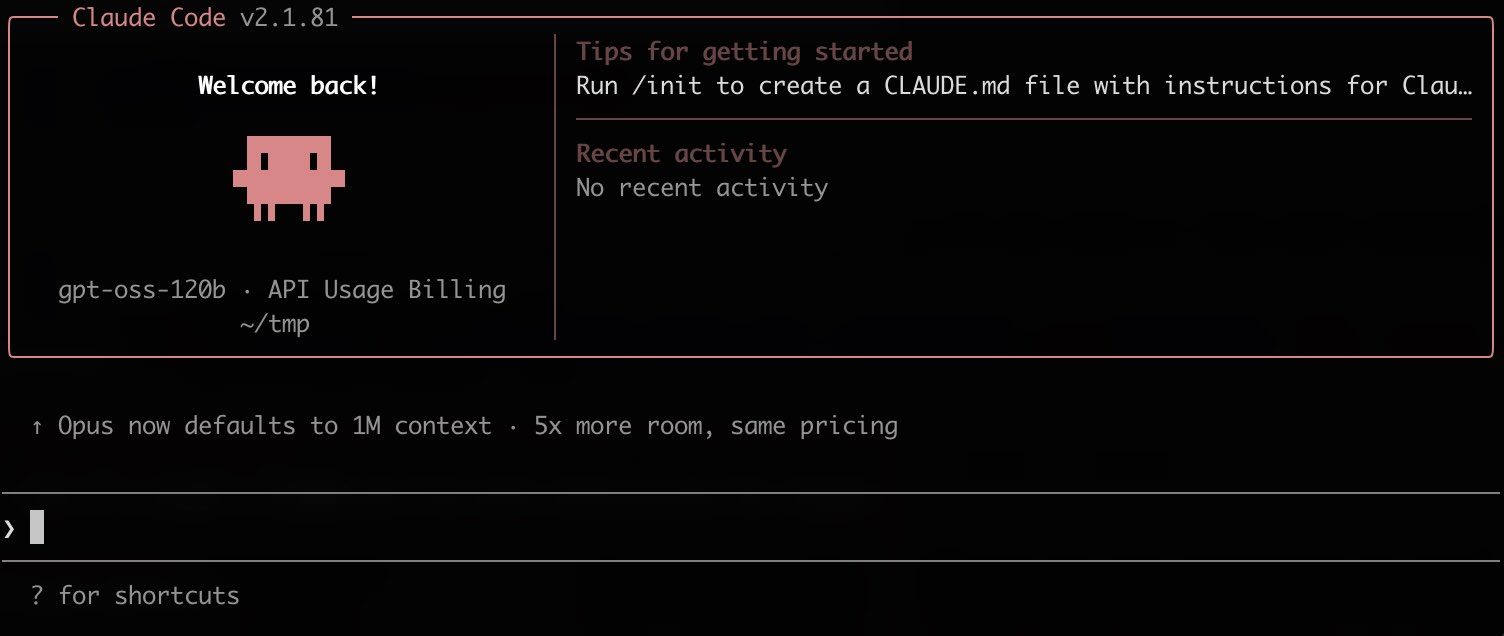
You will be greeted with a screen like the following. You are now ready to "vibe code" confidentially 🥳
If Claude Code asks you to sign in on first run, add "hasCompletedOnboarding": true and "primaryApiKey": "sk-privatemode" to ~/.claude.json