Claude Code
Privatemode can be used as a model provider in Anthropic's Claude Code. This document explains how to set up Claude Code to use Privatemode.
Make sure that you have at least v2.1.85 of Claude Code installed.
Setting up the Privatemode proxy
Follow the quickstart guide to run the Privatemode proxy. Usually, it's advisable to enable prompt caching via --sharedPromptCache.
Configuring Claude Code
Add the following environment variables to your ~/.claude/settings.json:
{
  "env": {
    "ANTHROPIC_BASE_URL": "http://localhost:8080",
    "ANTHROPIC_API_KEY": "sk-privatemode",
    "CLAUDE_CODE_ATTRIBUTION_HEADER": "0",
    "CLAUDE_CODE_DISABLE_NONESSENTIAL_TRAFFIC": "1"
  }
}
The last two variables are for performance improvements.
If Claude Code asks you to sign-in on first run, set the following two entries in your ~/.claude.json, which is different from ~/.claude/settings.json:
{
    // ...
    "hasCompletedOnboarding": true,
    "primaryApiKey": "sk-privatemode"
}
If you have used Claude before, ~/.claude.json will likely contain lots of entries.
Starting Claude Code with Privatemode
Start Claude Code with the --model flag pointing to the model served by Privatemode:
claude --model gpt-oss-120b
You can also set the model via the environment variable ANTHROPIC_MODEL.
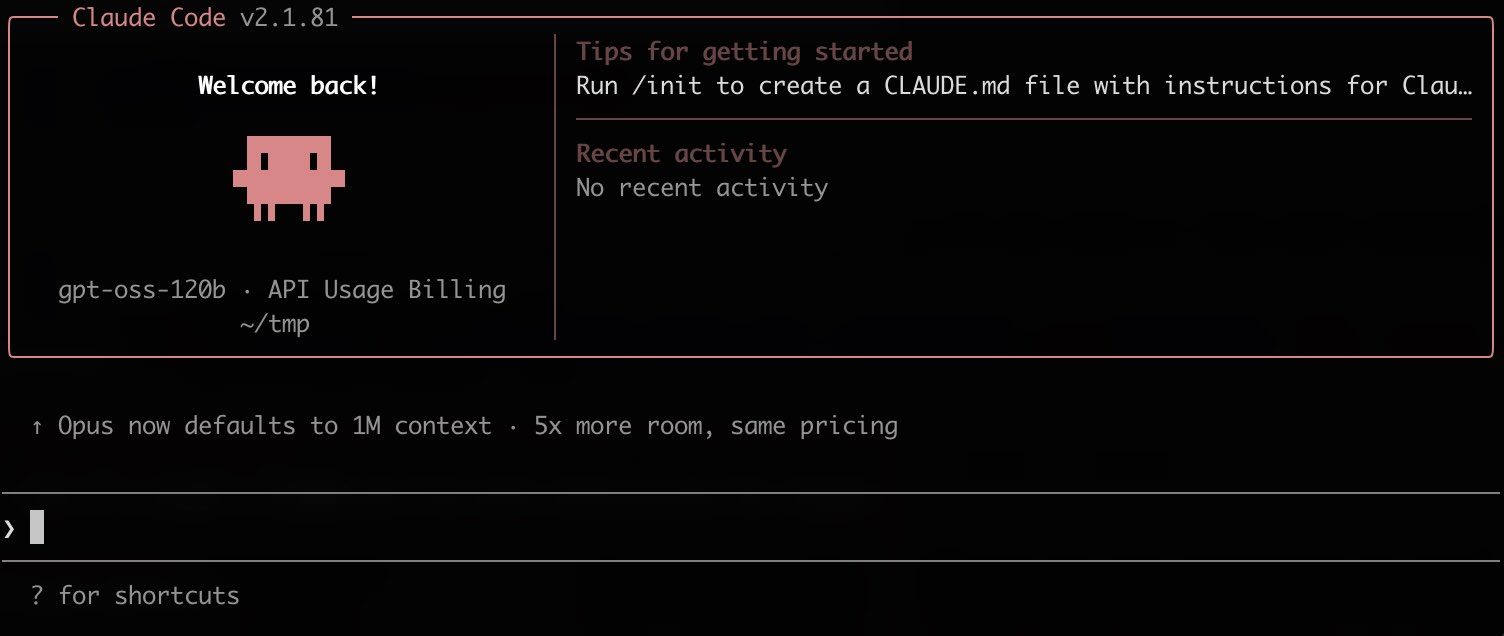
You will be greeted with a screen like the following. You are now ready to "vibe code" confidentially 🥳